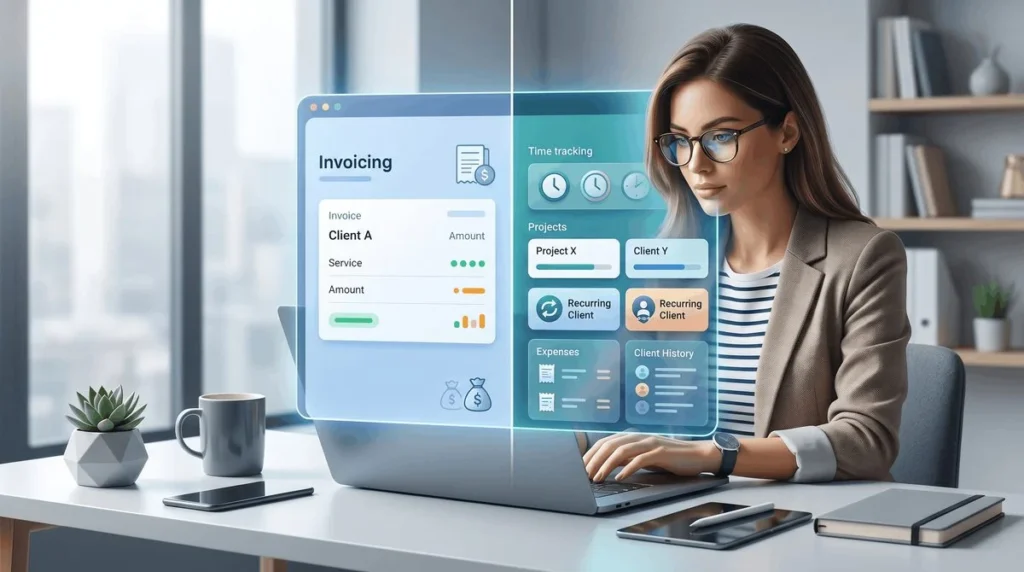
Somewhere around the third client, most freelancers realize that spreadsheets and memory alone aren’t going to cut it anymore. The right freelance project management tools aren’t about looking professional for its own sake — they genuinely save hours every week that would otherwise go to chasing deadlines and unpaid invoices.
I’ve noticed freelancers who adopt proper systems early tend to scale their client load far more smoothly than those who keep everything in their head or scattered across apps.
Why Freelancers Need Dedicated Tools, Not Just Notes Apps
Quick answer: Dedicated freelance project management tools centralize deadlines, client communication, and invoicing in one place, reducing the risk of missed deadlines, forgotten follow-ups, or unpaid invoices that scattered notes and memory alone tend to cause.
Project and Task Management Tools
Tools like Trello, Asana, or Notion help organize project stages, deadlines, and deliverables clearly — both for your own tracking and, in some cases, for sharing progress transparently with clients.
Picture a freelance web designer in Jaipur juggling five client projects simultaneously using only email threads to track progress. Switching to a simple Trello board with clear columns for each project stage cut missed deadlines significantly within the first month.
- Trello — visual, simple board-based tracking, good for straightforward project stages
- Asana — more robust task management, useful for freelancers managing multiple moving pieces per project
- Notion — highly flexible, good for freelancers who want project tracking combined with notes and documentation in one place
Time Tracking Tools
Quick answer: Time tracking tools like Toggl or Clockify help freelancers accurately bill hourly clients, understand how long different types of projects actually take, and identify which clients or project types are genuinely profitable versus time-draining.
Invoicing and Payment Tools
I’ve noticed unpaid or late invoices are one of the most common freelance frustrations, and much of it comes down to inconsistent, manual invoicing. Dedicated invoicing tools automate reminders and make the payment process smoother for both freelancer and client.
- Zoho Invoice — solid free option with recurring invoice and reminder features
- QuickBooks — more robust for freelancers who also need broader accounting features
- Razorpay/PayPal invoicing — useful for freelancers needing integrated payment collection alongside invoicing
[link to related guide about how to price your freelance services here]
Client Communication and CRM Tools
As client numbers grow, keeping track of communication history, proposals sent, and follow-up timing becomes genuinely difficult without a system. Simple CRM tools, even a well-organized spreadsheet initially, prevent important follow-ups from slipping through the cracks.
Contract and Proposal Tools
Has this ever happened to you — a client dispute arising simply because expectations weren’t clearly documented from the start? Tools like PandaDoc or even well-organized templates ensure contracts and proposals are consistent, professional, and clear on scope, reducing the odds of scope creep or payment disputes later.
File Sharing and Collaboration Tools
Google Drive or Dropbox, used consistently and organized by client, prevents the common problem of important files scattered across emails and local folders, making it hard to find things quickly when a client asks.
Choosing Tools That Actually Fit Your Workflow
Quick answer: The best freelance project management tools aren’t necessarily the most feature-rich ones — they’re the ones you’ll actually use consistently, so starting simple and adding complexity only as genuinely needed tends to work better than adopting an elaborate system upfront.
Avoiding Tool Overload
I’ve seen freelancers spend more time setting up and switching between tools than actually doing billable work. Picking a lean, focused set of two or three core tools — project tracking, invoicing, communication — usually beats a sprawling collection of half-used apps.
When to Upgrade From Free to Paid Tools
Most of these tools offer free tiers sufficient for freelancers with a handful of clients. It’s generally worth upgrading to paid plans once you’re managing enough clients or projects that the free tier’s limitations start genuinely slowing you down.
FAQ
Q: What’s the most important tool for a new freelancer to set up first? An invoicing tool, since getting paid reliably and on time affects cash flow more immediately than project management systems.
Q: Are free versions of these tools sufficient for freelancers? Yes, for most freelancers with a handful of clients, free tiers of tools like Trello, Toggl, and Zoho Invoice offer sufficient functionality.
Q: How many tools should a freelancer realistically use? Two to three core tools — covering project tracking, time/invoicing, and communication — is usually enough without becoming overwhelming.
Q: Do I need time tracking if I charge flat project rates instead of hourly? It’s still useful even for flat-rate freelancers, since it helps you understand true profitability per project and price future work more accurately.
Q: Can I manage freelance projects with just spreadsheets? For very small client loads, yes — but dedicated tools generally become worthwhile once managing more than two or three active clients simultaneously.
Q: What’s the biggest risk of not using proper invoicing tools? Late or missed payments due to inconsistent follow-up, which directly affects freelance income reliability.
Conclusion
The right freelance project management tools free up mental space that would otherwise go toward remembering deadlines and chasing payments — space that’s far better spent on actual client work. Start lean with a simple project tracker, a time or invoicing tool, and a reliable communication system, then add complexity only as your client load genuinely demands it.
Suggested alt text: “Freelancer using project management software on a laptop” Suggested alt text: “Invoice tracking dashboard for freelance business”